Connect with Halyk AI
This hub offers a concise guide on how to reach Halyk AI. To submit a request, proceed through the Sign Up gateway so your message travels with the registration details you provide there.
Connecting via the Sign Up gateway
Halyk AI channels inquiries using the data you provide during Sign Up. This approach keeps communications aligned with consent language and the policy references shown during registration.
Open Sign Up
Begin your inquiry by navigating to Sign Up and starting the standard registration flow.
Provide precise details
Share consistent contact details so follow-ups can be routed and documented correctly.
Define your topic
Include a brief subject and context so the request is triaged efficiently.
Allow processing time
Requests are handled in sequence and may require routing before a reply is issued.
Policy and compliance guides
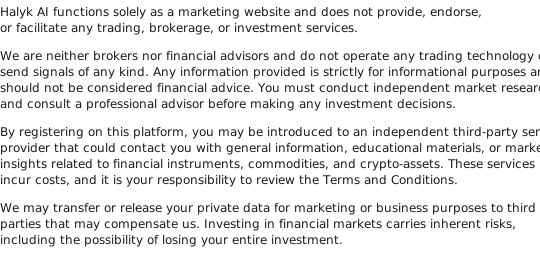
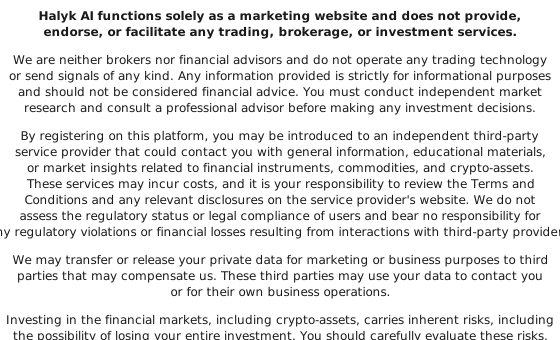
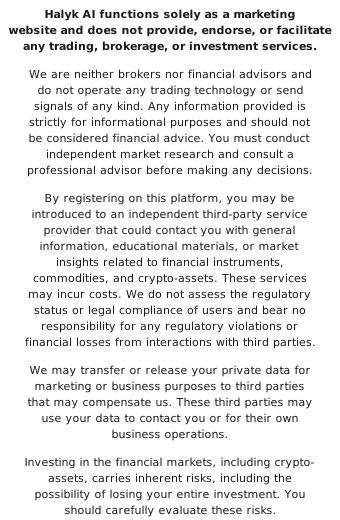
For clarity on data handling and the purpose of this site, review the policy pages linked below. They outline how information is processed and the consent terms shown during signup.
Terms and Conditions
Privacy Policy
Cookie Policy
Want to submit an inquiry?
Use Sign Up to submit your details and request routing.